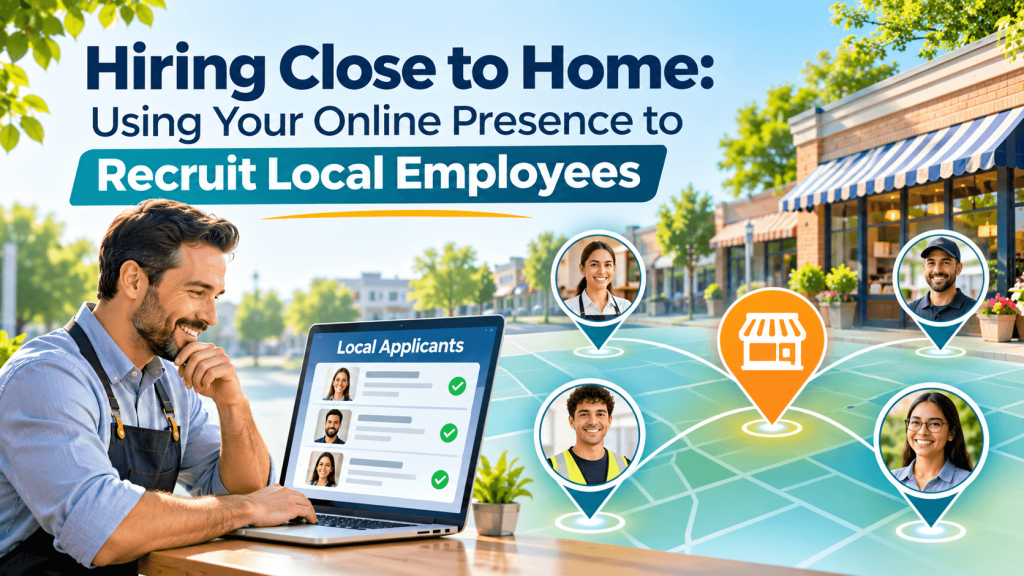
A family-owned landscaping company in Charlotte needs two crew leads before spring. The owner posts on a job board, but most applicants live far away or don’t understand the role. When the company adds a simple careers page describing the work, schedule, pay range, and team culture, and links to it from its website and profiles, local applicants who fit the role better start applying.
Small businesses often think of their online presence only in terms of customers. But job seekers research employers too, and the same clarity that attracts customers can attract good employees.
Build a Simple, Honest Careers Page
A careers page doesn’t need to be elaborate. Include:
- Current openings with clear titles and duties
- Pay ranges where possible, and the benefits you offer
- Schedule, location, and any physical requirements
- What working with your team is like, with real photos
- A straightforward way to apply
Some states and cities require pay ranges in job postings, so check the rules where you hire.
Make Job Postings Easy to Find
Give each open role its own page or section, and remove postings promptly once they’re filled. Job seekers often search for a role plus a location, such as landscape crew lead jobs in Charlotte, so use clear, specific titles.
If your website platform or applicant tracking system supports JobPosting structured data, it can make openings eligible for Google’s job search experience. Share openings on social media and local job boards, always linking back to your careers page.
Remember That Applicants Check Your Reputation
Job seekers often read customer reviews, employee reviews, and your Google Business Profile before applying. Accurate hours, address, and photos help applicants picture the workplace and plan for interviews.
Directories can help on the hiring side as well. A general directory such as Business 360 Now includes a Careers and Recruitment category that groups staffing agencies and recruiters, which can be useful when you need extra hiring support during busy seasons. Make sure your own business listings are accurate, since applicants may look you up before an interview.
A common mistake is posting vague job ads that attract the wrong applicants and waste time on both sides.
Attract People Who Want to Stay
Clear, honest information helps local job seekers decide whether your business fits them. Build a simple careers page, post specific openings, and keep your profile and listings, including on Business 360 Now, accurate for applicants and customers alike.
Frequently Asked Questions
Should small businesses include pay ranges in job postings?
Including pay ranges often attracts more relevant applicants and saves time for both sides. Some states and cities require them in job postings, so check local laws. If pay depends on experience, share a realistic range and explain what affects where a candidate might fall within it.
Can we post job openings on our Google Business Profile?
Google Business Profile updates can mention that you’re hiring and link to your careers page, but they aren’t designed for full job postings. Use your website, job boards, and structured data for detailed openings, and remove profile updates once positions are filled.
What should we do about negative employee reviews?
Respond professionally, avoid discussing personnel details publicly, and focus on improving any real issues raised. Applicants notice how employers respond, and a calm, constructive reply followed by visible improvements does more for your reputation than arguing or ignoring the feedback.
How can a small business stand out to local job seekers?
Be specific about what makes your workplace good, whether that’s schedules, training, growth opportunities, team culture, or a short commute. Real photos and short quotes from current employees, shared with permission, help. A quick, respectful hiring process also makes a strong impression.