
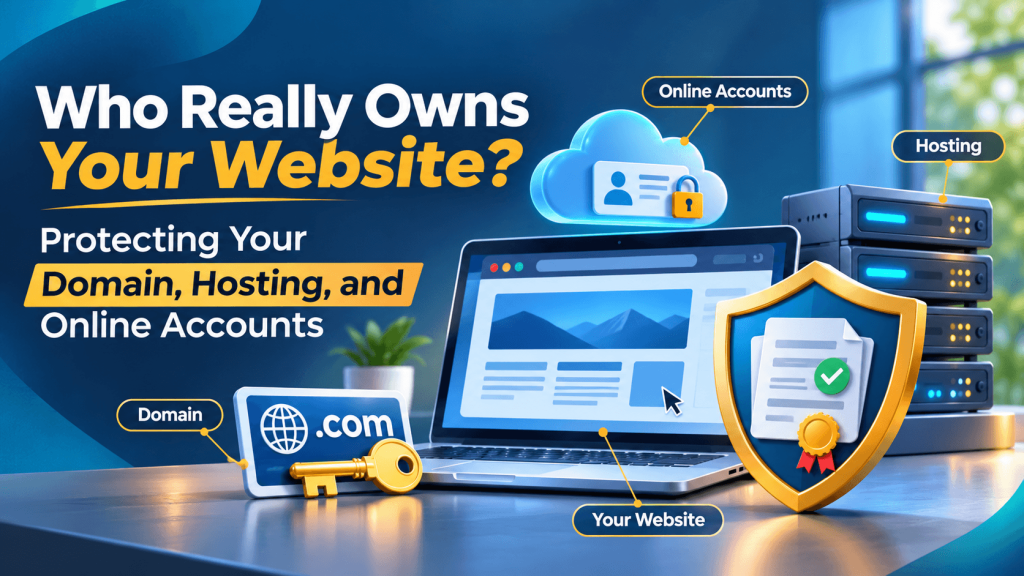
A bakery owner in Albuquerque decides to change web designers. When she asks for her website files and domain access, she learns the domain is registered under the former designer’s name and the analytics account belongs to his agency. Getting control back takes weeks of emails and a frustrating pause in online orders.
Small businesses often hand off technical setup and assume they own everything. Confirming ownership of key digital assets prevents expensive surprises later.
The Assets Your Business Should Control
Make a list of every account your business depends on:
- Your domain name registration
- Website hosting and the content management system admin account
- Business email accounts
- Google Business Profile, Google Analytics, and Search Console
- Social media and advertising accounts
For each one, the business should hold the main ownership or administrator role, with agencies or freelancers added as users with appropriate access. Write the list down and review it at least once a year.
How to Check and Fix Ownership
Start with your domain. You can look up public registration data through ICANN’s lookup tool, though many registrations use privacy services, so check with your registrar as well. Make sure the registrant is your business and that renewal reminders go to an email you control.
Then review each account’s user list. Remove people who no longer need access, and transfer ownership where needed while relationships are still cooperative. Turn on two-step verification, and store login details in a password manager the business controls.
Keep Business Details Consistent After Changes
When you move hosting, change domains, or switch providers, check that your website address and contact details are updated everywhere, including profiles and directories.
A general directory such as Business 360 Now is one of those places. Its Internet and Computer Services category groups web developers, IT providers, and computer services, which can help when you need technical support, and it shows how providers describe their work. Ask any provider you hire to confirm in writing that your business owns the accounts they set up.
A common mistake is letting a domain expire because renewal notices went to a former employee’s email address.
Own What Your Business Depends On
Your domain, website, and online accounts are business assets. Confirm ownership, control access, and keep details current across your website, profiles, and listings, including on Business 360 Now. A few hours of review now can prevent weeks of disruption later.
Frequently Asked Questions
How do I find out who owns my domain name?
Log in to your domain registrar account if you have one, or check public registration data through ICANN’s lookup tool. Many domains use privacy protection, so public results may not show the owner. If you can’t access the account, contact the registrar or whoever set it up and request a transfer.
Should our web designer have admin access to our website?
A designer may need admin access to do their work, but your business should have its own administrator account too. Avoid arrangements where only the designer can log in, and when the project ends or the relationship changes, review access and remove accounts that are no longer needed.
What happens if our domain expires?
Your website and email may stop working, and after a grace period the domain may become available for someone else to register. Turn on auto-renew, keep payment details current, and make sure renewal notices go to an email address the business actually monitors.
Who should own our Google Business Profile and analytics accounts?
The business should hold primary ownership, ideally through an account tied to a business email address. Agencies and staff can be added as managers or users with appropriate permissions. This keeps your data and profile safe when people or providers change.